Does Walgreens Sell Amazon Gift Cards in 2026?
Yes, Walgreens sells physical Amazon gift cards at participating U.S. stores in 2026. Walgreens currently lists an Amazon Gift Card product as “price a...
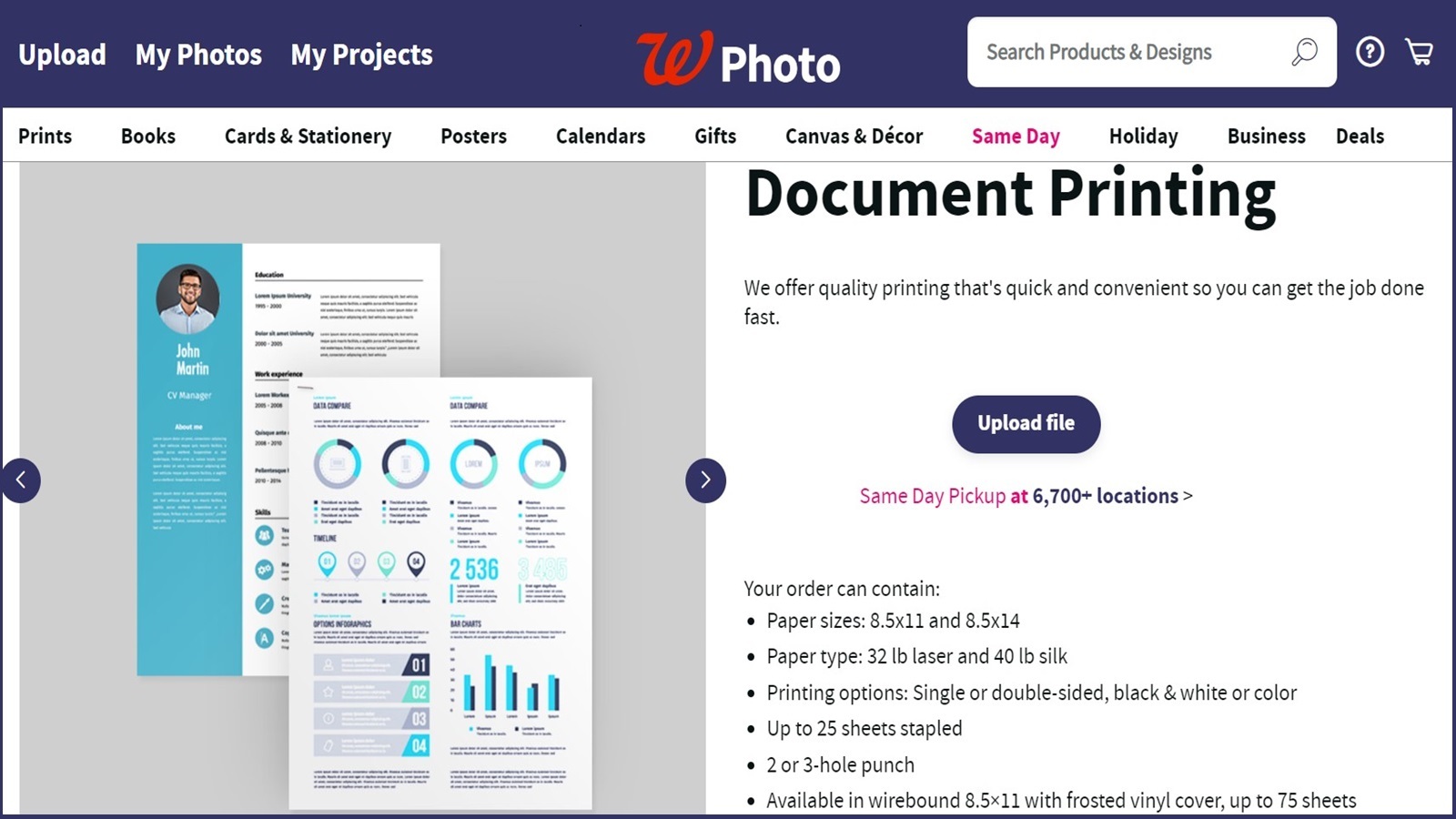
Yes. Walgreens Photo currently offers online document printing through its business-printing flow, with same-day pickup at select locations and shipping options for orders that are not pickup-ready.
Table Of Contents
Walgreens does not present this as a walk-up copy counter, but its Business Printing page and Document Printing Details page both show that copies and document printing are part of the current Walgreens Photo offer. In practice, that means you upload a file online, choose your print options, and then select pickup or shipping.
The current Walgreens Photo pages frame document printing as an online order service for business documents, manuals, and presentations rather than as a general in-store copier desk. The document-printing page says the product is available for same-day pickup at select locations, while the broader business-printing page groups it with other quick-turn business materials.
| Need | Walgreens fit | What the official pages support |
|---|---|---|
| Basic document printing | Yes | Document printing is listed on Walgreens Photo business-printing pages. |
| Same-day pickup | Often | The document page advertises same-day pickup at select locations. |
| Shipping instead of pickup | Yes | Walgreens Photo also documents ship-to-store and ship-to-you fulfillment paths. |
| Walk-up copy-shop service | Unclear | The current pages emphasize online ordering instead of a self-service copier workflow. |
Walgreens' document-printing page currently lists these supported file types: PDF, DOC, PPT, XLS, RTF, TXT, AI, TIFF, BMP, and PSD. If your original file is in another format, converting it to PDF before upload is the safest move because it matches Walgreens' own supported list on the official product page.
The document-printing page says the service is available for same-day pickup at 6,500+ locations. Walgreens also notes on its fulfillment page that same-day timing is estimated, not guaranteed, and that other options can include free ship to store or ship to you depending on the product and store. For a time-sensitive order, the checkout estimate matters more than the headline promise.
Two details matter before you upload. First, Walgreens' current pages emphasize online ordering, so do not assume a full-service walk-in copy-shop workflow if you simply arrive with paper in hand. Second, availability depends on the specific store and product settings, so one Walgreens location may be more useful than another for the same job.
If you need specialty finishing such as lamination or a niche paper stock, check the live product options before you count on it. I did not find a current Walgreens source that clearly confirms a general lamination service for document printing.
Walgreens does print documents, but the current service is best understood as an online Walgreens Photo order with store pickup or shipping, not as a guaranteed walk-up copy center. If your file is in a supported format and your local store offers document printing, it can be a convenient same-day option.